
Markdown gets a reading surface.
Reports, notes, tables, math, and footnotes render in a quiet document pane — with live preview, reading, split, and source modes one shortcut apart.
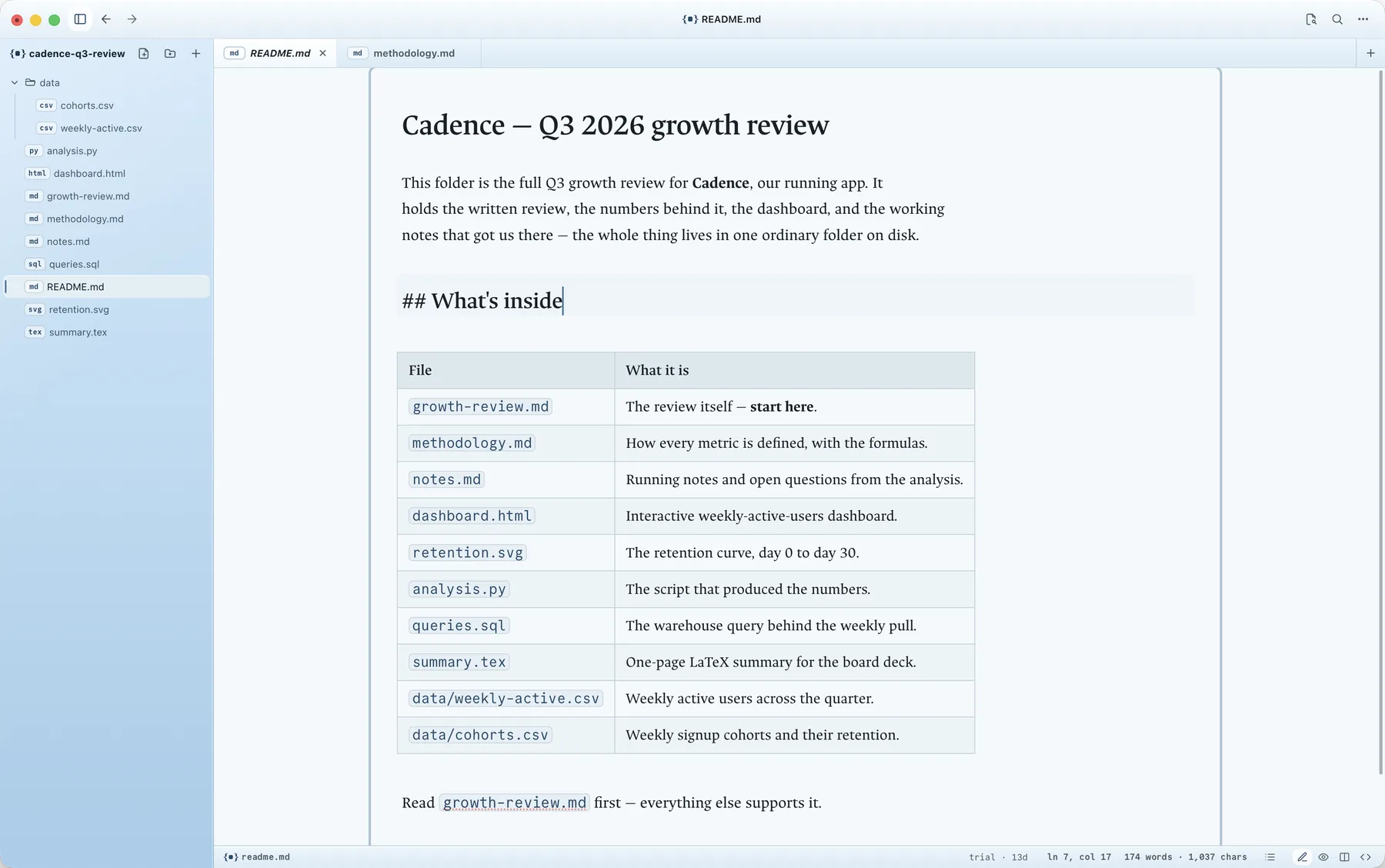
Open any folder on your Mac and start working. Read Markdown and documents on a calm surface, create and edit notes right where they live, and preview HTML and media beside them — no vault, no import, no lock-in.
Free for 14 days no account · no credit card
Read it, write in it, keep it exactly where it is.
Generated 2026-07-01. This folder contains the quarterly pipeline review: a written report, an interactive dashboard, and the analysis that produced both.
Qualified leads grew 34% quarter over quarter, driven almost entirely by the two channels we doubled down on in April.
The full picture is in dashboard.html — the
short version is that the bet worked, and the details below
say by how much.
Point Superset at any folder on your Mac and it opens as a workspace. Markdown and documents render cleanly and stay editable in place, HTML and media preview beside them, and everything remains an ordinary file on disk — no vault, no import, no new format to adopt.
Read the Markdown, write a new note beside it, preview the HTML, and refresh the work — without moving the folder or juggling three apps. A folder an agent just handed you is one good reason to want this.
A folder is all you need.
40-second tour · open in its own page ↗Superset isn't only for reading. Create a new Markdown file inside a folder you already keep, and edit it right there on disk — no vault to adopt, no app deciding where your notes should live. It's the note-taking surface that works on the folders you already have.
Reports, notes, tables, math, and footnotes render in a quiet document pane — with live preview, reading, split, and source modes one shortcut apart.
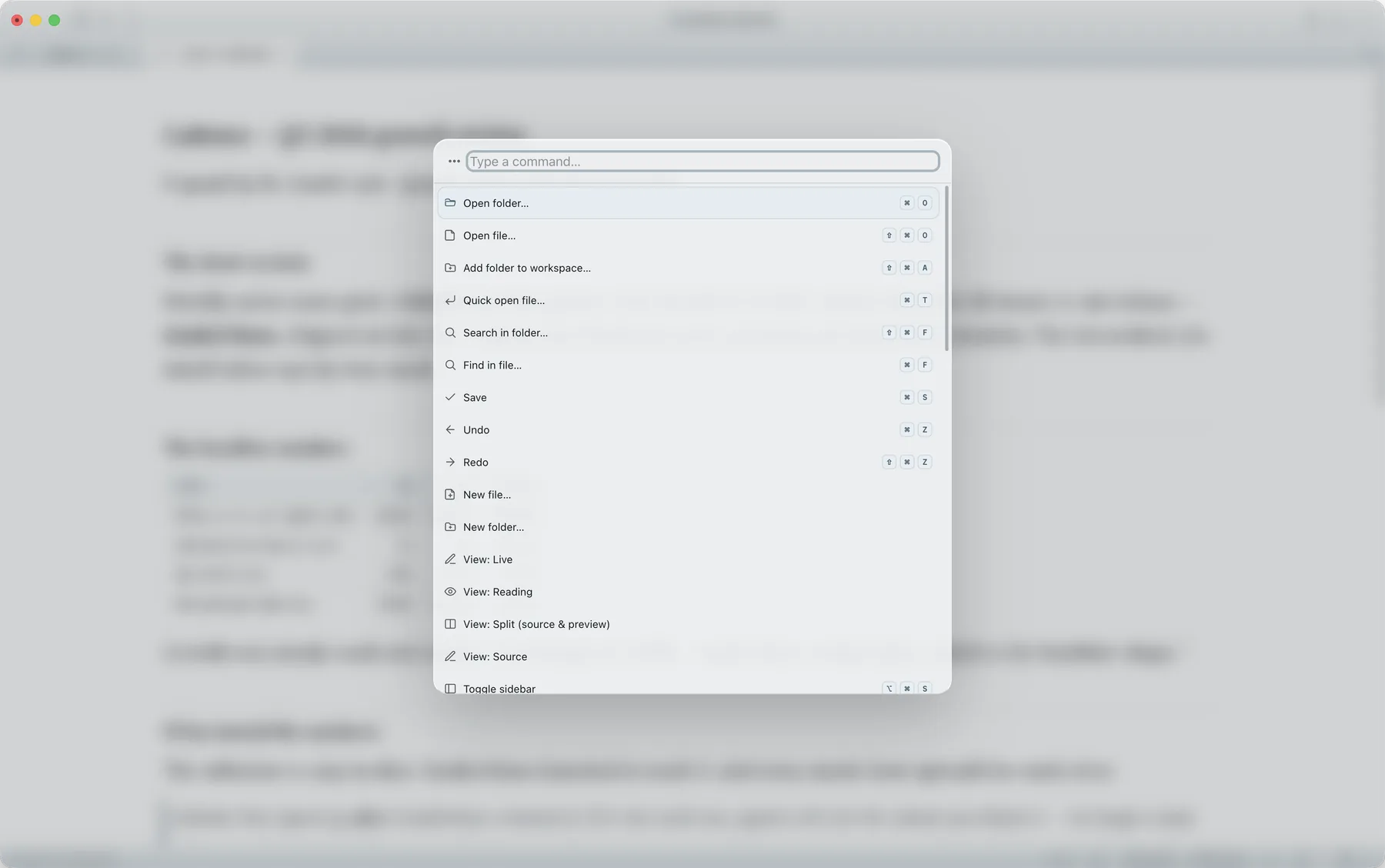
Create a new note inside a folder you already keep, or edit the source underneath — with save-conflict detection, split panes, a command palette, quick open, and search across the workspace.
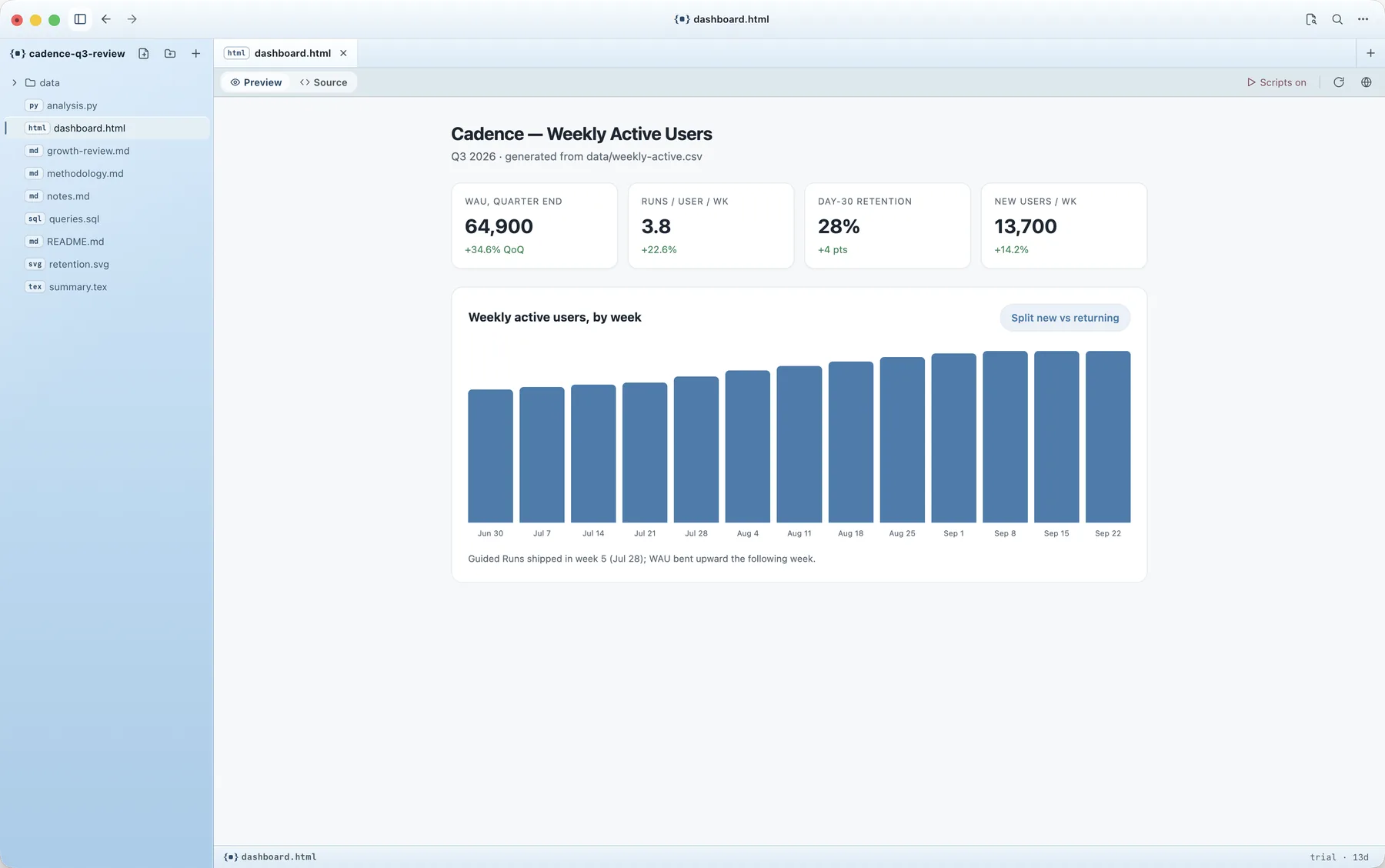
Generated dashboards preview in an isolated sandbox. Scripts stay off until you turn them on for a file — one at a time, when you decide to.
Porcelain is the signature surface. Anodized, Anodized Cobalt, and Anodized Umbra carry the dark side — machined metal rather than glass. Every one is a first-class skin that stays easy to read, light or dark, not an automatic inversion.
Try one. This page is built on the product's own theme tokens.
Every release runs through an automated safety net first: your files open unchanged, previews stay sandboxed, and every theme stays readable. The build you download is the build that passed.
Each release passes an automated safety net first, so your files open unchanged and nothing slips through untested.
No analytics, no accounts. Crash reporting is opt-in and stays off until you turn it on.
Generated pages preview in a sandbox, and scripts stay off until you allow them for a file — so opening something new is safe.
Superset Files sits next to the tools you already use and does the one thing none of them do cleanly: open any folder to read and write the files inside it, in place.
Knowledge bases: vaults, links, plugins, a system for notes you keep forever.
Superset Files opens the folder you already have — no vault, no import, nothing to adopt.
Programming. Deep source editing with a full development environment around it.
Superset Files is the calm reading surface: rendered documents first, source one shortcut away.
Browsing files, opening one artifact at a time.
Superset Files keeps Markdown, HTML previews, media, and edits in one window, with a trust boundary for scripts.
Superset Files is a one-time license with a 14-day free trial. Pay once and keep it — no subscription, no metered usage.
Founding price for the launch's first two weeks — $24 instead of the $39 standard. Code FOUNDING is applied automatically at checkout.
No. Superset Files is a Mac app for local folders, Markdown, HTML, LaTeX, media, code, and generated artifacts. Apache Superset is an open-source business-intelligence and data-visualization platform. They are unrelated projects.
No. Superset Files opens the folder where it already lives. Nothing is imported, nothing is copied into an app-owned library, and nothing is written into your folder except the files you deliberately edit.
No, by design. The entire point is direct access to your local file system — a browser cannot safely read and write arbitrary local folders the way a native app can. Superset Files is a Mac desktop app.
No analytics, no accounts, no telemetry by default. The app reaches the network only to check for updates, to validate your license when you buy and activate it, and — if you turn it on — to send opt-in crash reports. The privacy policy spells out the details.
Yes. It's a one-time purchase — $24 founding price, $39 standard — with a 14-day free trial first, so you can try the full app before you pay. The pricing page has the details.